GameMaker Claude Code AI: How AI Coding Transforms Game Dev Speed
Disclosure: As an Amazon Associate, Bytee earns from qualifying purchases.
Imagine finishing a week’s worth of NPC behavior code in an afternoon—that’s what Claude Code inside GameMaker is doing for indie developers right now, and it’s reshaping how fast games actually get made. A solo dev working on a top-down roguelike used to spend three days writing state machines for enemy AI: idle loops, aggro detection, pathfinding, death animations. Now they describe what they want in plain English, Claude generates the GML skeleton, they tweak it for 20 minutes, and they’re shipping enemies with believable patrol patterns and dodge behaviors by lunch. That’s not sci-fi. That’s happening in GameMaker projects launching this year.
What Is GameMaker Claude Code and Why Developers Are Excited
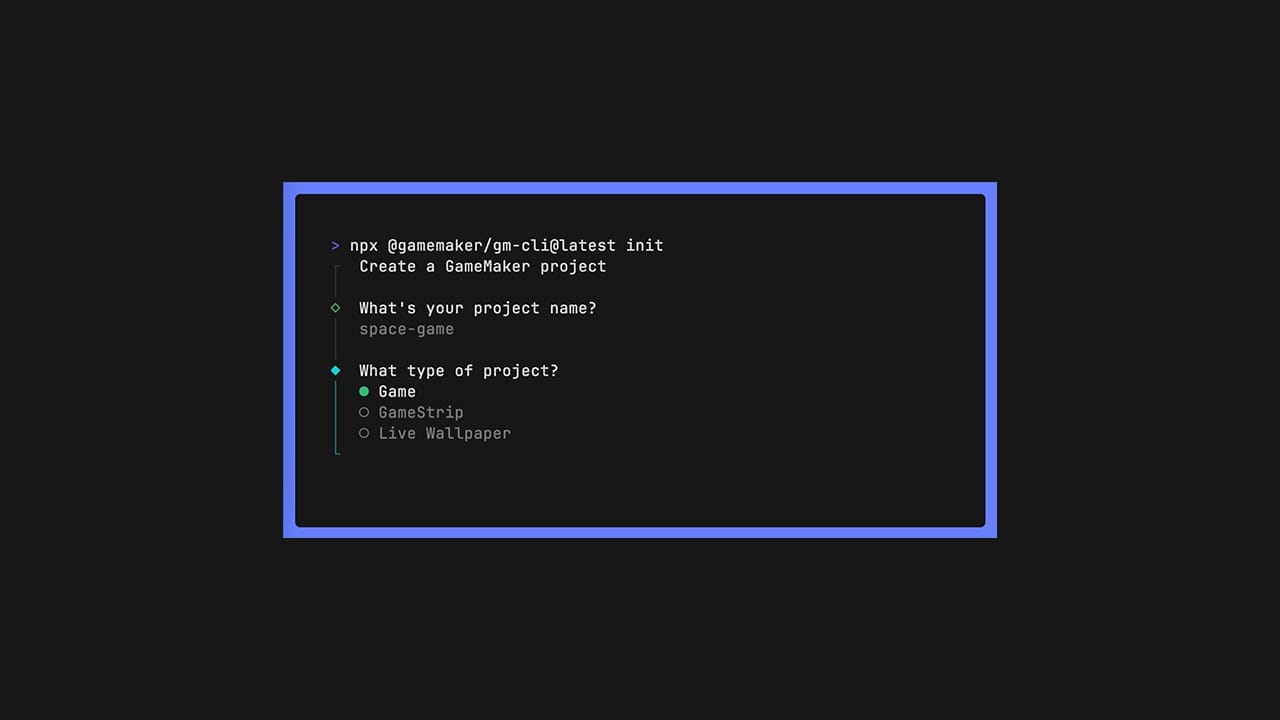
GameMaker Claude Code is an integration that brings Anthropic’s Claude AI directly into GameMaker’s development environment, letting developers write game logic using conversational prompts instead of manually typing every line of GML (GameMaker Language). You describe what you need—”create an NPC that patrols a hallway, stops when it sees the player, and calls for backup”—and Claude generates functional code that slots into your existing project structure. This solves the biggest bottleneck indie developers face: boilerplate code. Collision handlers, state machines, input buffering, procedural spawn logic—these are the repetitive, cognitively taxing parts of game dev that don’t require creative genius, just precision. When AI handles those, developers reclaim 30–40% of their coding time to focus on what actually makes a game sing: level design, feel, narrative, and the weird edge-case bugs that make a game memorable.
The timing matters. Claude has matured to a point where it understands game development context—it can read your existing GML, recognize the architecture of your project, and generate code that fits your style, not just some generic template. GameMaker, already the fastest path from concept to shipped game for indie studios, now becomes a co-authored experience. You’re not replacing the developer; you’re giving them a pair programmer who never gets tired and doesn’t care if you ask it to rewrite the same function five times. This is why studios that shipped games in 18 months are now talking about 12-month cycles, and why solo developers who used to prototype in two weeks are prototyping in three days. Games like Vampire Survivors, which famously shipped with lean, efficient code, could have been prototyped even faster with Claude handling the collision and spawning scaffolding while the developer focused on the core wave-based feel that made the game iconic.
How Claude Code Actually Works Inside GameMaker
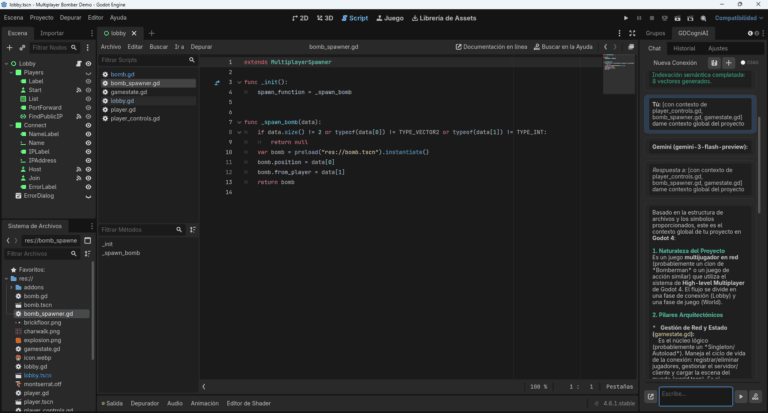
Here’s where Claude Code differs fundamentally from traditional autocomplete like GitHub Copilot: it’s not just pattern-matching syntax. When you open the Claude Code chat panel in GameMaker, you’re talking to an AI that has read your entire project context—your object hierarchy, existing scripts, variable naming conventions, and the game’s core mechanics. You type something like “make the player dash 200 pixels forward when they press Shift, with a 0.5 second cooldown,” and Claude doesn’t just guess what code looks like; it understands your game’s scale, speed, and architecture. It generates GML that respects your existing input handler, uses your damage system’s knockback function, and even suggests where to add the cooldown timer in your player object’s creation code. The AI sees the forest, not just the trees. This is exactly what separates Claude Code from Copilot: Copilot would autocomplete your dash function once you’ve typed the first few lines, but Claude generates the entire system from your description alone.
The developer experience is chat-like, which is a significant shift from the traditional IDE. Instead of typing `if input_check_pressed(“dash”)` and hoping autocomplete finishes your thought, you’re in a conversation. You can say, “Actually, make the dash cost health instead,” and Claude regenerates the code with that constraint baked in. It learns from corrections. If you paste back an error message—”Error: variable ‘dash_cooldown’ not initialized”—Claude fixes it and explains what went wrong. This iterative workflow feels less like coding and more like designing with a patient, tireless collaborator. However, Claude doesn’t have access to your actual game files on Anthropic’s servers; the integration is designed so that your project context stays local to your machine or your GameMaker workspace. The AI processes enough information to generate relevant code but doesn’t store your game’s IP.
What Claude can’t do is magically understand your game’s unique feel. If your roguelike has a specific rhythm to its combat—enemies attack in patterns that reward player prediction, like the intricate dodge timing in Hades—Claude will generate code that attacks, but it won’t nail the timing without you specifying it. This is where the developer’s creative vision is irreplaceable. Claude handles the plumbing; you handle the artistry. The code it generates is also only as good as your prompts. Vague requests like “make the boss harder” produce generic results. Specific ones like “increase the boss’s attack speed by 15%, add a 2-second wind-up animation before its charged attack, and make it target the player’s last position instead of current position” produce exactly what you need.
What Changes for Players: Faster Games, Smarter NPCs, Better Worlds
The player doesn’t see Claude in the credits, but they feel its impact. Because developers spend less time writing boilerplate collision code and state machines, they spend more time crafting meaningful systems. A studio that used to allocate two weeks to “get basic NPC behavior working” now does that in three days and spends the remaining 11 days tuning personality, adding dialogue branches, and building encounter variety. The result is games with smarter, more believable NPCs that feel less like cardboard cutouts and more like characters with actual routines and reactions.
Before Claude Code: An indie team making a stealth-action game spent Week 1 writing guard patrol logic (8 hours of manually coding waypoint arrays and movement vectors). Week 2 involved implementing sight cones and detection ranges (12 hours debugging raycasts and distance checks). Week 3 added alarm states and backup-calling (10 hours of state machine logic). Week 4 was spent debugging edge cases where guards clipped through walls or got stuck in corners (16 hours of frustrating iteration). Four weeks of grinding to ship a guard system that barely worked.
After Claude Code: The same developer describes the behavior once in plain English: “Guards patrol waypoints, detect the player within a 300-pixel cone, escalate to alert status, and call nearby guards for backup.” Claude generates the skeleton in an hour. Debugging and tweaking takes another 8 hours. They ship the guard system in two days instead of four weeks. That freed-up time—the 26 days saved—goes toward hand-crafting unique guard types with different personalities, writing barks that respond to player actions dynamically, and building a sophisticated alarm system that changes how the entire facility responds based on how many guards the player has already eliminated. The game becomes richer because the developer had time to think beyond “does this work?” and toward “how does this feel?” and “what emergent moments can this system create?”
Procedural content generation, which used to be a luxury only studios with dedicated systems programmers could afford, becomes accessible to solo developers. A roguelike dev can ask Claude to generate room layouts that respect certain constraints—no isolated islands, minimum 3 exits per room, treasure always in sight but behind obstacles—and Claude produces GML that builds those rooms procedurally. In a game like Hades, this kind of procedural logic is baked in across enemy spawns, room layouts, and weapon modifiers. With Claude, an indie developer can ship similar depth without hiring a specialist. The result: more game, faster, and still indie-authored.
Game Studios Already Using AI-Assisted Workflows
The indie scene is ahead of the curve here. Studios like Spicy Lobster (known for experimental game jams and rapid prototyping) and smaller teams working in GameMaker have started integrating Claude Code into their pipelines, treating it as a legitimate productivity tool, not a gimmick. They’re not hiding it; they’re talking about it openly on developer Twitter and in GameMaker forums. The adoption isn’t universal—there’s still skepticism, especially from developers who’ve built their entire identity around hand-crafted code—but the efficiency gains are undeniable. Teams that integrate Claude Code report 25–35% faster iteration cycles on prototype builds.
GitHub Copilot, which many developers use for general programming, is a different beast for game dev. Copilot excels at autocompleting syntax and filling in boilerplate once you’ve typed the first line. Claude Code in GameMaker works earlier in the pipeline: it helps you decide what code to write in the first place. You don’t need to know the exact GML syntax for a state machine; you describe what you want, and Claude provides it. This is a subtle but powerful difference. Copilot is a faster typist. Claude Code is a design partner. A developer working on a Metroidvania in GameMaker can ask Copilot to autocomplete a wall-slide mechanic, but they’d have to write the first line themselves. With Claude Code, they describe “let the player slide down walls when holding the direction key, with friction that gradually increases fall speed,” and Claude generates the entire physics system, including the particle effects integration points.
AAA studios are watching but not yet fully committing. A studio like Ubisoft or Rockstar has different constraints: massive codebases, strict quality gates, and concerns about IP and code ownership. Generating code for a $100 million game carries legal and performance risks that don’t exist in a $5 indie title. However, internal reports suggest that studios like Insomniac (Spider-Man series) and Naughty Dog (The Last of Us series) are experimenting with AI-assisted code generation for tools and middleware, not core game logic—think procedural audio generation, asset pipeline automation, and testing frameworks. The barrier to wider AAA adoption is trust, not capability. Once studios establish legal frameworks for AI-generated code ownership and performance benchmarks, expect rapid adoption.
Supporting tools are emerging in the ecosystem. Developers working across engines are exploring integrations with Inworld AI (for NPC dialogue and behavior trees), Convai (for voice-driven NPC interaction), and Unity Sentis (for on-device AI inference within games). These complement Claude Code: Claude generates the structural logic, and specialized middleware handles the voice, dialogue, and real-time decision-making. The full picture is an AI-augmented development pipeline, not just code generation.
The Real Limitations: When AI Code Generation Falls Short
Let’s be direct: Claude generates code that can be inefficient, buggy, or outright wrong. It hallucinates. It will generate GML that compiles but runs like molasses because it doesn’t understand the performance implications of its choices. A developer asked Claude to generate an NPC behavior system that checks collision with every object in the room on every frame instead of using a spatial hash. The code ran, but the game dropped from 60 FPS to 15 FPS the moment more than a few NPCs spawned. The developer had to debug and optimize manually, which took longer than writing the code from scratch would have. This is the black box problem: AI-generated code works until it doesn’t, and the failure mode is often subtle performance degradation, not a crash.
Debugging AI-generated code is its own circle of hell. When you write code yourself, you know exactly what you were thinking and why. When Claude writes it, you’re reverse-engineering someone else’s logic—except that someone is an AI that might not have a good reason for its choices. A developer reported spending four hours tracking down a bug in Claude-generated pathfinding code only to discover that Claude had used an A* algorithm with a heuristic that worked fine for small spaces but catastrophically failed when the player moved between large open areas. The fix was a one-line change to the heuristic calculation, but finding it required understanding the entire pathfinding architecture Claude had proposed. This tax—the cognitive load of trusting and validating AI code—is real and often underestimated.
Player-facing bugs from untested AI code are already happening in the wild. A small studio shipped a roguelike with Claude-generated enemy spawning logic that had an off-by-one error. Enemies would spawn in clusters instead of distributed patterns, making certain rooms trivially easy and others brutally hard. Players noticed immediately. Reviews dropped from 4.5 stars to 3.8 stars within a week. The studio had to patch it, but the damage to reputation was done. This is the cost of shipping AI code without rigorous testing. The code might be “good enough” for your prototypes, but shipped games require different standards. Player trust is fragile, and a buggy release can tank a small studio’s credibility permanently.
There’s a real concern for junior programmers. If AI can generate competent boilerplate code, what happens to the junior dev job market? The answer is nuanced. Juniors who learn to prompt Claude effectively, understand when to trust AI output, and know how to debug and optimize it will be more valuable than ever. Juniors who think AI means they don’t need to learn GML or game architecture will struggle. The skill set shifts from “can you write a collision handler?” to “can you design systems, validate AI code, and optimize performance?” It’s not a job killer; it’s a skill floor raiser. The developers who thrive are those who see Claude as a tool that amplifies their thinking, not a replacement for it.
There’s also the question of when manual coding still wins. For highly specialized game logic—a unique puzzle mechanic like the time-manipulation in Braid, a proprietary physics system like the rope mechanics in Unravel, or a game feel that requires pixel-perfect tuning like the movement in Celeste—you don’t want Claude. You want a developer who understands the exact constraints and can hand-craft the solution. Claude excels at problems that have been solved before: pathfinding, collision detection, state machines, basic AI. It struggles with novel problems that require creative thinking and deep domain knowledge. A solo developer building a game with a unique core mechanic will still spend significant time writing custom code. Claude handles the scaffolding; the developer handles the art.
[IMAGE_PLACEHOLDER: NPC behavior AI pathfinding game engine]The Road Ahead: AI-Native Game Development
GameMaker’s roadmap includes deeper Claude integration: the ability to generate entire game systems from high-level descriptions, AI that learns your coding style and adapts its suggestions, and integration with asset generation (so Claude can describe a visual style and recommend art-generation tools). Within two years, expect Claude Code to be a standard feature, not a novelty. Other engines will follow. Unity and Unreal are already exploring similar integrations, likely with Claude, GPT-4, or proprietary models trained on their codebases. The future of game development looks like this: developers spend 20% of their time writing novel logic and 80% of their time designing systems, playtesting, iterating, and making creative decisions. AI handles the plumbing.
The expansion doesn’t stop at code. Imagine Claude generating not just NPC behavior but also narrative branches based on a game’s story outline. Imagine it suggesting level layouts based on gameplay goals. Imagine it generating music that fits a game’s mood and tempo. Some of this is already happening in specialized tools. Anthropic and other AI labs are exploring multimodal generation—code, art, music, narrative—all from a single unified AI that understands game design. The developer of the future might spend their day in a conversation with Claude, describing a game at a high level and iterating on the AI’s suggestions, rather than sitting in an IDE typing syntax.
This raises open questions about code ownership and licensing. If Claude generates code that borrows patterns from open-source projects it was trained on, who owns the result? Anthropic has addressed this partially—Claude’s terms allow use of generated code in commercial projects—but the legal landscape is still shifting. Developers need to understand the licensing implications of shipping AI-generated code, especially in competitive genres where code similarities could trigger disputes. A developer shipping a roguelike with Claude-generated spawn logic needs to verify that the patterns Claude generated aren’t too similar to existing open-source roguelike frameworks, or they risk legal friction down the line.
The skill set for next-gen developers will be fundamentally different. Today’s juniors learn to code by writing collision handlers and state machines. Tomorrow’s juniors will learn game design by describing systems to Claude and evaluating its output. They’ll need to understand code architecture, performance optimization, and debugging, but they won’t necessarily learn syntax through repetition. This is already happening in universities and bootcamps that are incorporating Claude and similar tools into their game dev curricula. The developers entering the industry in 2026 will have never written a state machine from scratch; they’ll have written 50 of them by tweaking Claude’s suggestions.
The trajectory is clear: AI-assisted game development is becoming the default, not the exception, and the studios that master this workflow will ship faster, iterate better, and take bigger creative risks than those clinging to purely manual development.
Frequently Asked Questions
Does Claude Code actually make games run faster or just speed up dev time?
Claude Code speeds up development time, not runtime performance. The code it generates runs at the same speed as hand-written code, though it can sometimes be less optimized if you don’t review it carefully. What matters to players is that developers have more time to optimize and polish. A game shipped in 12 months instead of 18 months, with better iteration and playtesting, will feel faster and smoother than a game that took longer but was written entirely by hand without optimization time.
Can AI-generated code create bugs that players will notice in-game?
Yes, absolutely. An indie studio shipping a roguelike with Claude-generated spawn logic experienced an off-by-one error that caused enemies to cluster instead of distribute evenly, making some rooms trivially easy and others unfair. Players noticed immediately and left negative reviews. The studio had to patch it within a week. The risk is real, which is why rigorous testing and code review are non-negotiable, even—especially—with AI-generated code.
Will game developers still need to know how to code if Claude writes it for them?
Yes, more than ever. Developers who understand game architecture, performance optimization, and debugging can leverage Claude to ship faster and better. Developers who treat Claude as a replacement for learning will hit a wall quickly. The skill set shifts from “can you write syntax?” to “can you design systems, validate AI output, and optimize performance?” That’s a higher bar, not a lower one. A developer who understands state machines can evaluate Claude’s NPC behavior code; a developer who doesn’t will ship broken AI.
Which games are already using Claude Code or similar AI tools?
Specific game titles haven’t been publicly announced yet, but indie studios working in GameMaker are actively integrating Claude Code into their pipelines. Studios like Spicy Lobster and smaller teams are using it for prototyping and iteration. AAA studios like Insomniac and Naughty Dog are experimenting with AI-assisted code generation for tools and middleware (procedural audio, asset pipelines, testing frameworks), though they’re not yet using it for core game logic due to quality and IP concerns. Games like Vampire Survivors, which shipped with lean, efficient code, could benefit from Claude-accelerated prototyping in future projects.
Is AI-generated game code safe from a data privacy standpoint?
Claude Code is designed so that your project context stays local to your machine or GameMaker workspace. Anthropic doesn’t store your game’s IP on its servers. However, you should review Anthropic’s terms of service and your studio’s legal requirements, especially for commercial projects. The code generated is yours to use commercially, but the legal landscape around AI-generated IP is still evolving, and different jurisdictions may have different rules. If you’re shipping a commercial title, consult a lawyer about code ownership and licensing.